Updated ·10 min read
Learn how to read a bank statement and catch hidden fees, fraud, and weird charges your bank won’t warn you about.
Learn how to read a bank statement and catch hidden fees, fraud, and weird charges your bank won’t warn you about.
Extract transactions, balances, and more in seconds with Bank Statement APIs. Improve compliance, automate tasks, and keep your financial data accurate.
Discover how bank statement analysis transforms transactions into actionable insights for fraud detection, cash flow management, and strategic financial decisions.
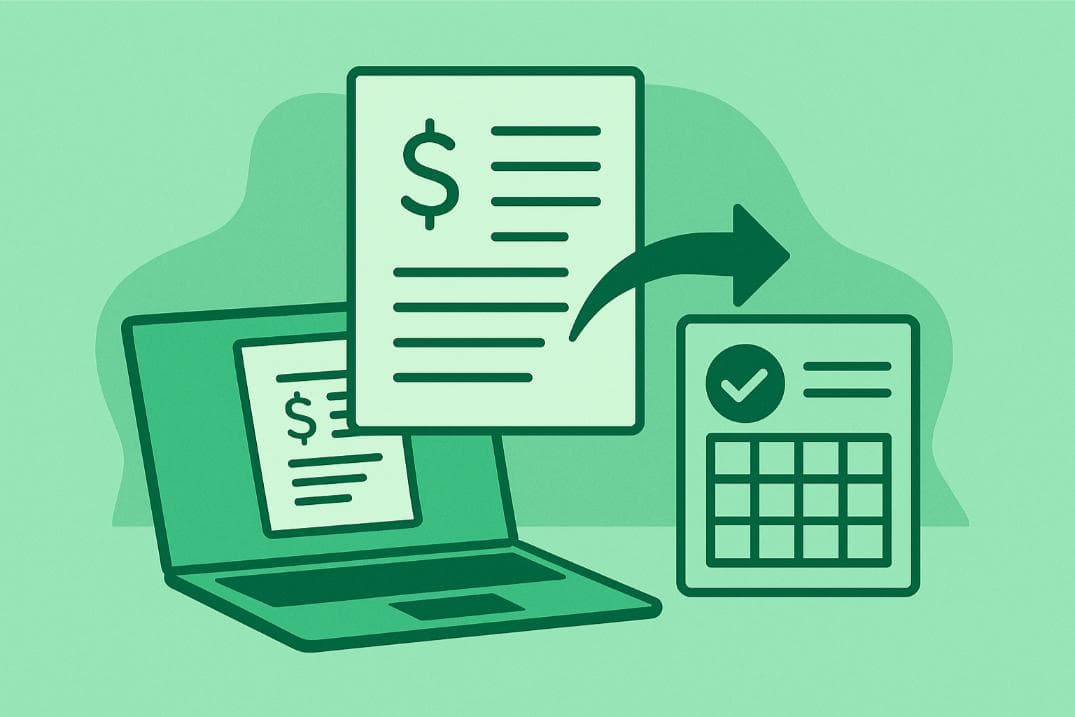
Streamline financial workflows with bank statement extraction software. Convert PDFs or scans into Excel/CSV in seconds with AI-powered accuracy.

6 key reasons why customers switch banks and learn what banks can do to improve retention and build long-term loyalty.
To download a bank statement, log in to your bank's website, select your account, navigate to the 'Statements' section and download the statement.
Printing a bank statement is simple, whether online, through mobile apps, ATMs, or in person. Choose the method that suits you, ensuring you get either an official stamped or self-printed copy based on your needs. Always handle statements securely and check for accurate details before printing for loans, visas, or personal use.
Fake bank statements are fraudulent documents used to misrepresent financial status for loans, rentals, or visas. They can be detected through formatting inconsistencies, unusual transactions, and direct bank verification. Using fake statements carries legal risks, reputational damage, and financial blacklisting. Always verify documents through official banking channels to prevent fraud.

Reconciling a bank statement catches fraud, recording errors and bank fees your ledger never saw. Done by hand it also costs real hours every month. Both sides are weighed here, with a cadence that fits the size of your business.
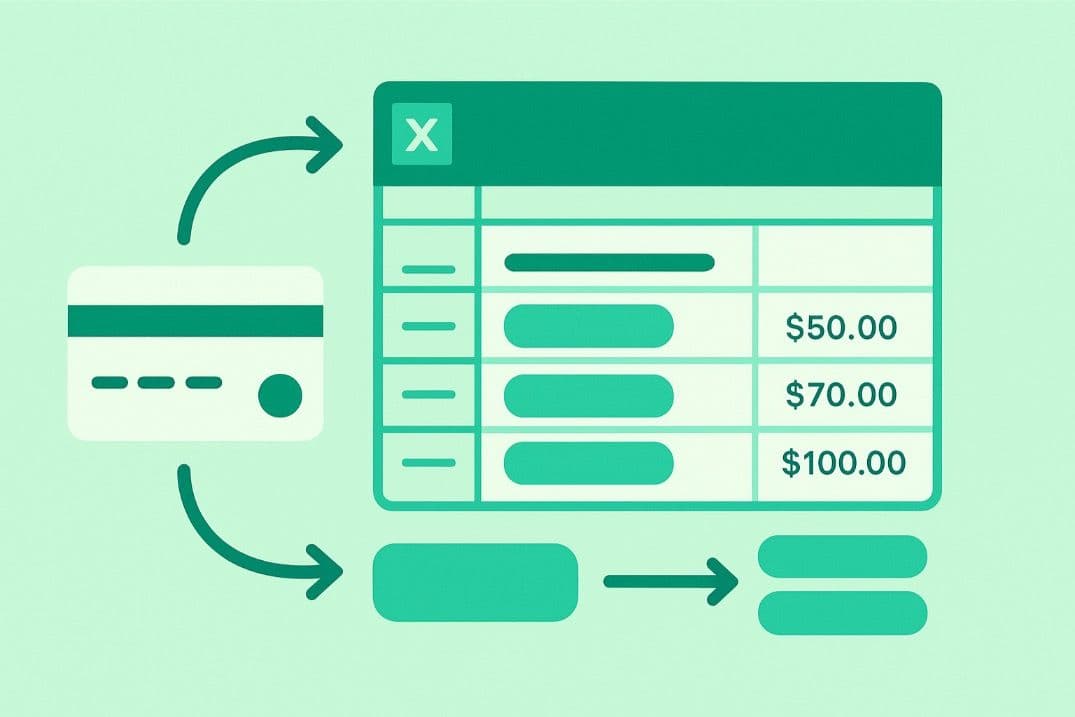
Categorizing bank transactions in Excel helps track expenses, identify spending patterns, and simplify budgeting. Import transactions via CSV, PDF conversion, or manual entry. Use categories and automate tagging with formulas. Regularly audit for accuracy and visualize data with PivotTables. This system enhances financial management for both personal and business use.
A bank reconciliation audit verifies financial records by matching internal ledgers to bank statements, detecting errors, fraud, and ensuring compliance. This 7-step process—gathering documents, matching transactions, investigating variances, verifying adjustments, double-checking reconciliations, documenting thoroughly, and conducting final reviews—strengthens financial accuracy and reduces costly mistakes, promoting smarter cash flow management.
A certified bank statement is an authenticated document with a bank's stamp and authorized signature, verifying your financial records. It’s essential for loans, visas, proof of funds, and legal matters. Obtain one by requesting it from your bank, providing account details, and ensuring it's properly certified.
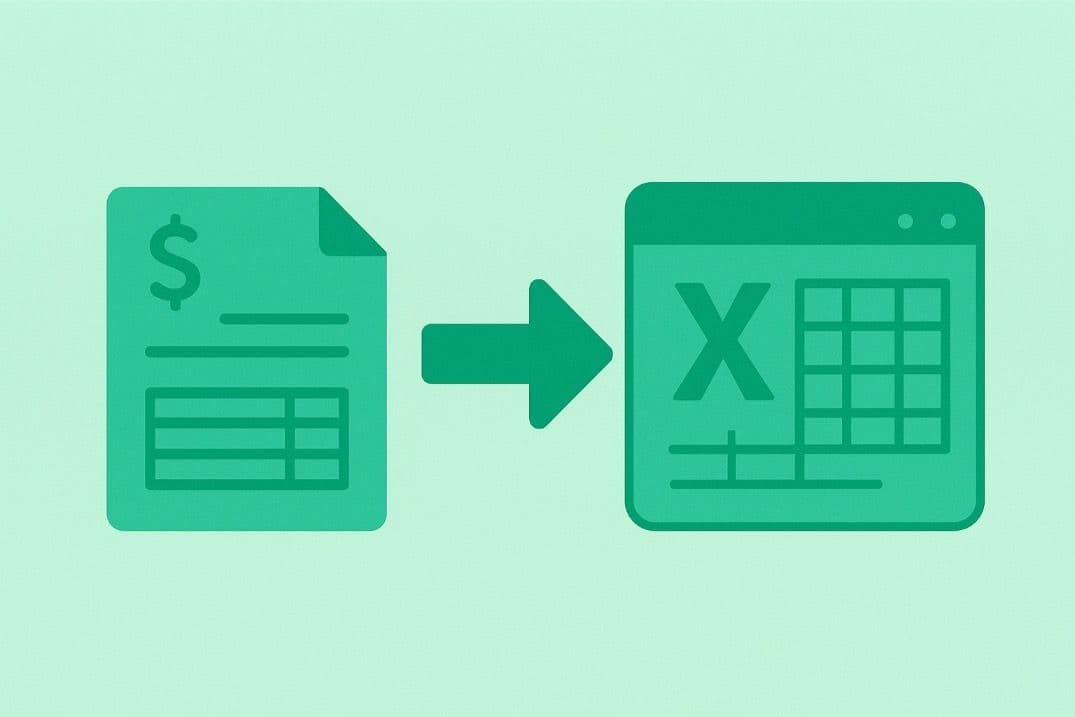
Importing bank statements into Excel is quick and error-free with Bank Statement Converter. Upload your PDF, convert it to CSV/XLS, download the file, and import it into Excel for easy analysis. This AI-powered tool saves time, enhances accuracy, and ensures secure financial data handling.
Bank statement verification ensures accuracy by cross-referencing records to detect fraud, confirm income, and ensure compliance. It involves checking ownership, transactions, and document authenticity. Businesses increasingly use AI, OCR, and blockchain for efficiency. As fraud evolves, technology-driven solutions enhance security, minimizing risks and maintaining financial integrity in transactions.
Downloading a brokerage statement involves logging into your account, selecting the desired statement, and downloading it as a PDF. Converting PDFs to Excel or CSV helps analyze trends, track taxes, and avoid errors. Automated tools simplify the process, saving time and boosting financial efficiency for both traders and investors.
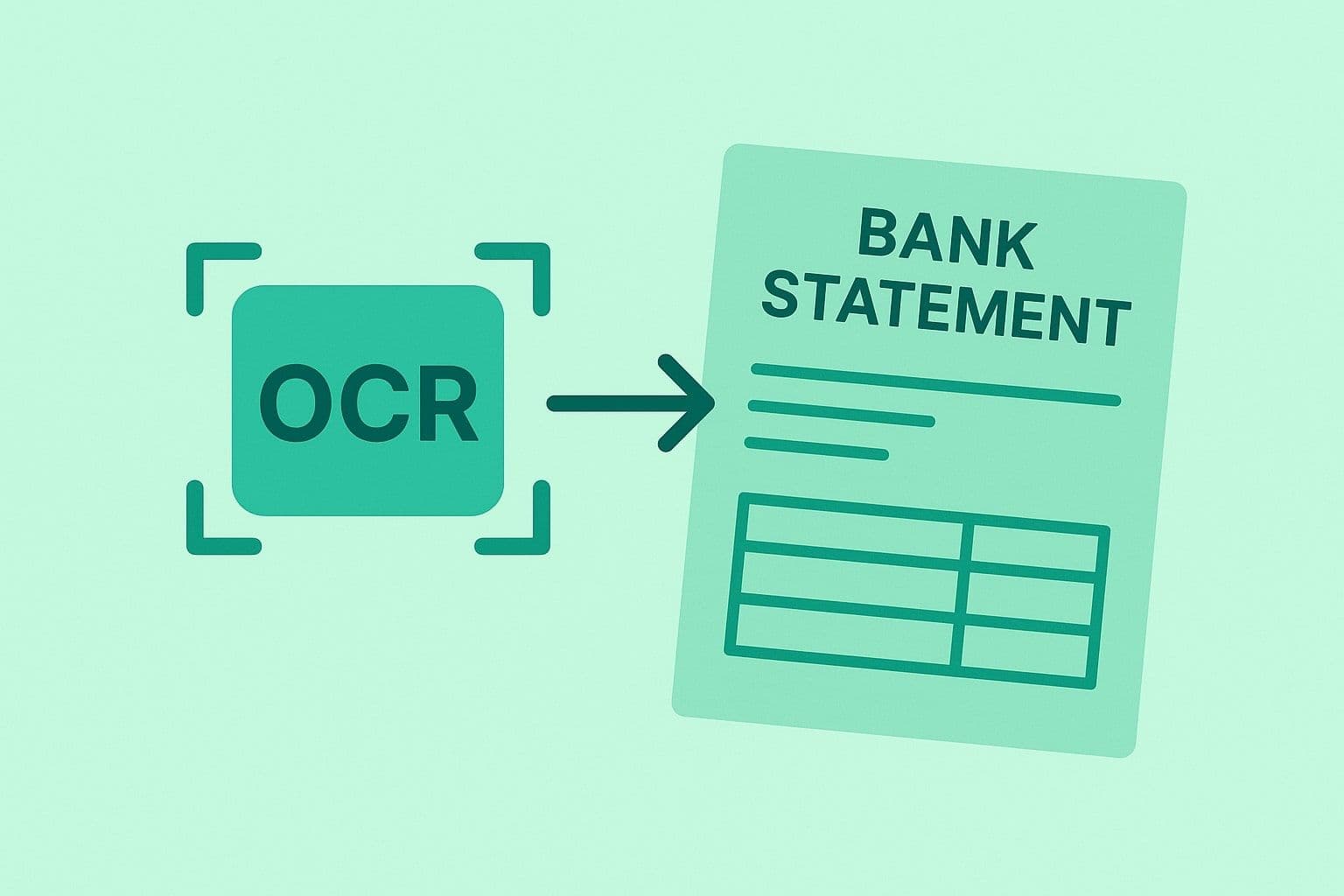
OCR bank statements digitally extract data from PDFs or images, converting transaction details into searchable formats like Excel or CSV. This technology reduces manual errors, accelerates processes, lowers costs, and enhances compliance. With AI-driven insights, OCR future-proofs financial workflows by enabling faster approvals, fraud detection, and personalized banking services.
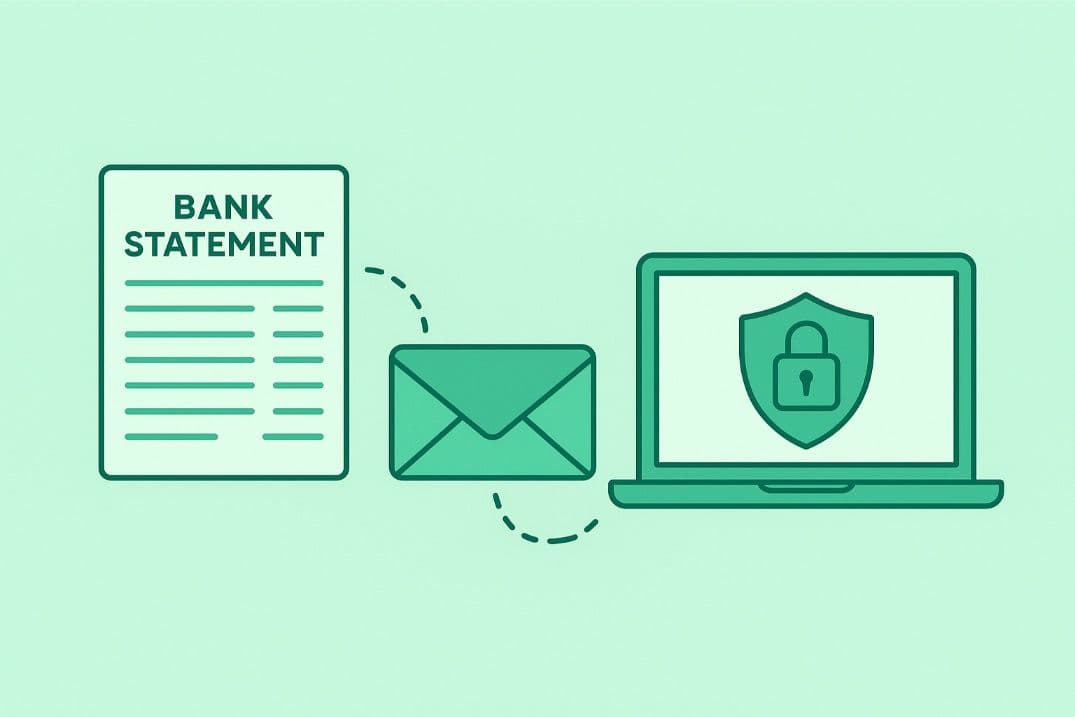
When emailing bank statements, prioritize security. Use password-protected PDFs, verify details, and avoid public WiFi. Send via secure banking portals or encrypted email services for added protection. Double-check recipient info and avoid common mistakes like missing attachments. For quick statement conversion, use tools like Bank Statement Converter.
Online banking refers to the suite of services that allow individuals to manage their finances via the Internet. It enables users to perform financial transactions and activities through a bank’s website.
A financial statement is a record that captures the financial activities of a business. It shows where money comes from, where it goes, and where it sits.
A bank statement, usually issued on a monthly basis, is a document that provides a summary of account transactions for a defined period.